A clear test flow.
Pair Akriton Vela over Bluetooth, start or stop a test, follow progress and read its result in a consistent order.
The Akriton app / In development
One native app being designed for iPhone, iPad and Mac. Run a check, understand the result, and keep the context with the connection.
Core app intended to be included with Akriton Vela.
 AkritonAkriton Vela
 BUILDING A / ROOM 214
Classroom display connection. Label confirmed at the wall jack.
Design concept with illustrative readings. Final app features and compatibility are in development.
Akriton app + Vela / Interactive demo
Watch the instrument and app work as one. Run the check, understand the reading, and save it where it belongs.
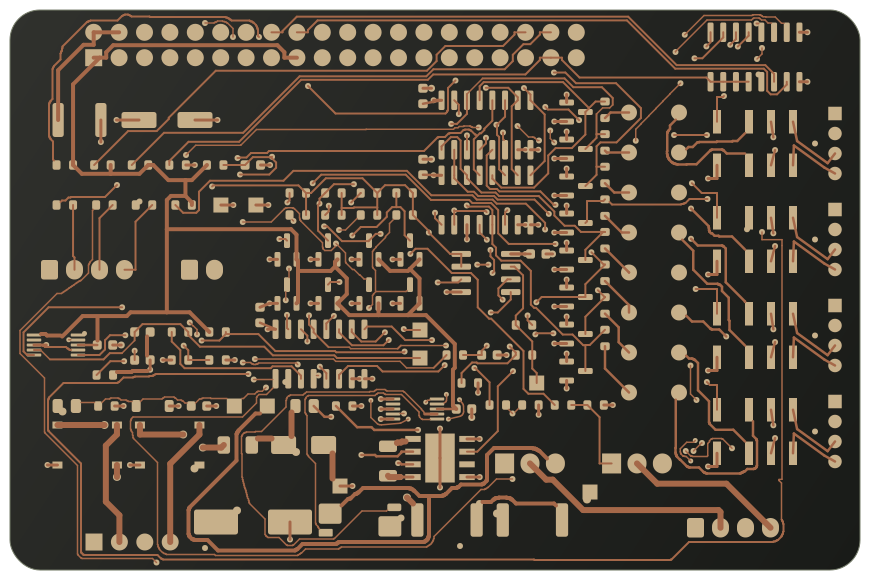
Illustrative instrument design study
Akriton01 / READY TO TEST
Vela is at the jack. The right drop is open in the app.
02 / TEST IN PROGRESS
The app follows Vela through the cable and network checks.
Animated example. No live device is connected.
03 / REVIEW THE RESULT
04 / SAVED TO THE DROP
Classroom display connection.
Wall label confirmed.
Reading, location and note, together in the drop history.
One drop. From the first check to the next visit.
Example ready: Vela is connected at Room 214, Jack B.
An illustrative workflow with sample readings, not a live test or a working app. Vela and the Akriton app are in development. Final features, interface and supported measurements will be confirmed before ordering opens.
Designed app features
Pair Akriton Vela over Bluetooth, start or stop a test, follow progress and read its result in a consistent order.
Organize drops by building, room and jack. Keep readings, notes and previous visits attached to the place they belong.
Ping, traceroute, DNS lookups and TCP port checks, with the current target carried into the tool and results attached to the drop.
Discover responding devices and inspect the identity and services they advertise. Available detail depends on the network and the connected device.
Move between the test, the drop and diagnostic tools while progress stays visible. The active connection remains the point of reference.
Saved credentials are designed to stay in Apple Keychain on your iPhone, iPad or Mac, separate from the instrument and the measurement result.
Features describe the intended app experience. Supported functions vary by platform, permissions, network and connection method. The app is not available to download yet.
Akriton Vela + the Akriton app
The instrument works at the jack. The app brings the control, the context and the next step to your screen.
Cable verification, PoE checks and foreign-voltage detection depend on the instrument’s measurement hardware. A phone alone cannot make these measurements.
Start a test over Bluetooth and follow its progress. Review the result with anything skipped, incomplete or needing attention.
Save the reading against the building, room and jack, alongside notes and previous results. Return to the drop with its history in view.
| Your workflow | Akriton app | App + Akriton Vela |
|---|---|---|
| The location | Personal drop library, notes and history | New instrument readings saved against that same drop |
| The investigation | Diagnostic tools on the app device’s network | Wired test results from the connection at the jack |
| The physical cable | A phone alone cannot measure cable or PoE | Cable, PoE and foreign-voltage measurements from Vela |
| The test | Review saved results and context | Bluetooth test control, live progress and returned readings |
Designed workflow. Akriton Vela and the Akriton app are in development; final supported features will be confirmed before ordering opens.
One structure. Three screens.
Quick access to the test, your drop list and diagnostic tools, with a persistent view of what is running.
A larger workspace for the current reading and the drop’s history, with a familiar sidebar and inspector.
Keyboard-driven navigation and space for multiple tools. Direct Mode is designed to use a compatible wired Ethernet adapter.
A wired adapter does not replace Vela’s cable, PoE or foreign-voltage measurement hardware. Final adapter and operating-system compatibility will be confirmed with release specifications.
A complete working loop
Open Room 214, Jack B, with its notes and previous reading already in context.
Connect Akriton Vela and use the app to follow the cable and network test.
Open the relevant diagnostic tool without starting over with the room, jack or target.
Save the result and a note against the same drop for the next visit.
Akriton Vela / Coming soon