Measure beyond the phone.
Vela provides the cable, PoE and foreign-voltage measurement hardware that the phone does not have.
How Vela works
Vela is designed to follow the connection from the cable to the network, with a result that keeps every check in context.
Connect the instrument to the drop you want to investigate. Use a remote at the far end for cable checks that need it.
Check the physical cable, establish the link, then look for network identity, addressing and reachability.
Review what passed, what needs attention and what could not be checked. Save the result against the building, room and jack in the app.
Akriton app + Vela / Interactive demo
Watch the instrument and app work as one. Run the check, understand the reading, and save it where it belongs.
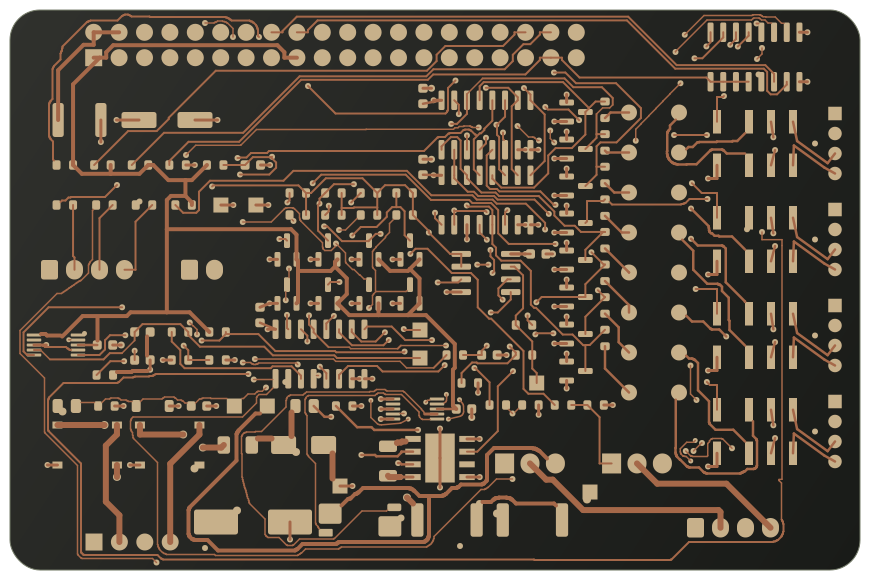
Illustrative instrument design study
 Akriton
01 / READY TO TEST
Vela is at the jack. The right drop is open in the app.
02 / TEST IN PROGRESS
The app follows Vela through the cable and network checks.
Animated example. No live device is connected.
03 / REVIEW THE RESULT
04 / SAVED TO THE DROP
Classroom display connection.
Wall label confirmed.
Reading, location and note, together in the drop history.
One drop. From the first check to the next visit.
Example ready: Vela is connected at Room 214, Jack B.
An illustrative workflow with sample readings, not a live test or a working app. Vela and the Akriton app are in development. Final features, interface and supported measurements will be confirmed before ordering opens.
What the app and instrument unlock
Vela provides the cable, PoE and foreign-voltage measurement hardware that the phone does not have.
Connect over Bluetooth, start a run and follow progress without losing the active drop.
Keep readings and notes against the same building, room and jack, then use the relevant diagnostic tools from that context.
The experience, illustrated
Explore example outcomes from the intended workflow. Each answer keeps the result and its next check together.
Illustrative experience preview with sample data. Final software and supported measurements are in development.
ROOM 214 / JACK B
CABLE / SAMPLE RESULT
NEXT CHECKReview the network connection.
NETWORK / SAMPLE RESULT
NEXT CHECKConfirm the switch port matches your records.
POWER / SAMPLE RESULT
NEXT CHECKPower detection alone does not prove performance under load.
A clear next step
The question is not just whether a connection exists. It is whether the result helps you decide what to do next.
That is why Vela’s intended workflow keeps the cable, the switch, the power and the network result connected.
Explore the capabilitiesAkriton Vela / Coming soon